LEFT + RIGHT
CONSOLE BUNDLE
Both panels pre-configured, shipped together. Left console manages the aircraft (APU, fuel, electrical, hydraulics). Right console manages the mission (sensors, weapons, ECM, comms). Together they cover the full F/A-18C console layout without reaching for a mouse. Each panel connects independently via USB-C.
What's included
- ✓ APU start + indicators
- ✓ Electrical panel
- ✓ Fuel system
- ✓ Hydraulic switches
- ✓ Environmental / bleed
- ✓ Antenna select
- ✓ Sensor management
- ✓ EW / ECM controls
- ✓ Weapons mgmt (SMS)
- ✓ Master Arm + ARM light
- ✓ Communications
- ✓ Cockpit lighting
Also in the box: 2× DCSPitHIDC boards (pre-installed), 2× USB-C cables, 2× desktop brackets, DCSPit.com Windows config app, DCS-BIOS setup guide, 6-month warranty on both panels.
How the two panels connect
Each panel connects independently to your PC via its own USB-C cable — no powered hub required if you have two free USB ports. They appear as separate HID devices. If one disconnects the other keeps working. Both are bus-powered — no external power supply needed.
DCS-BIOS handles sync for both simultaneously. One DCS-BIOS instance on your PC communicates with both panels at the same time.
Frequently asked questions
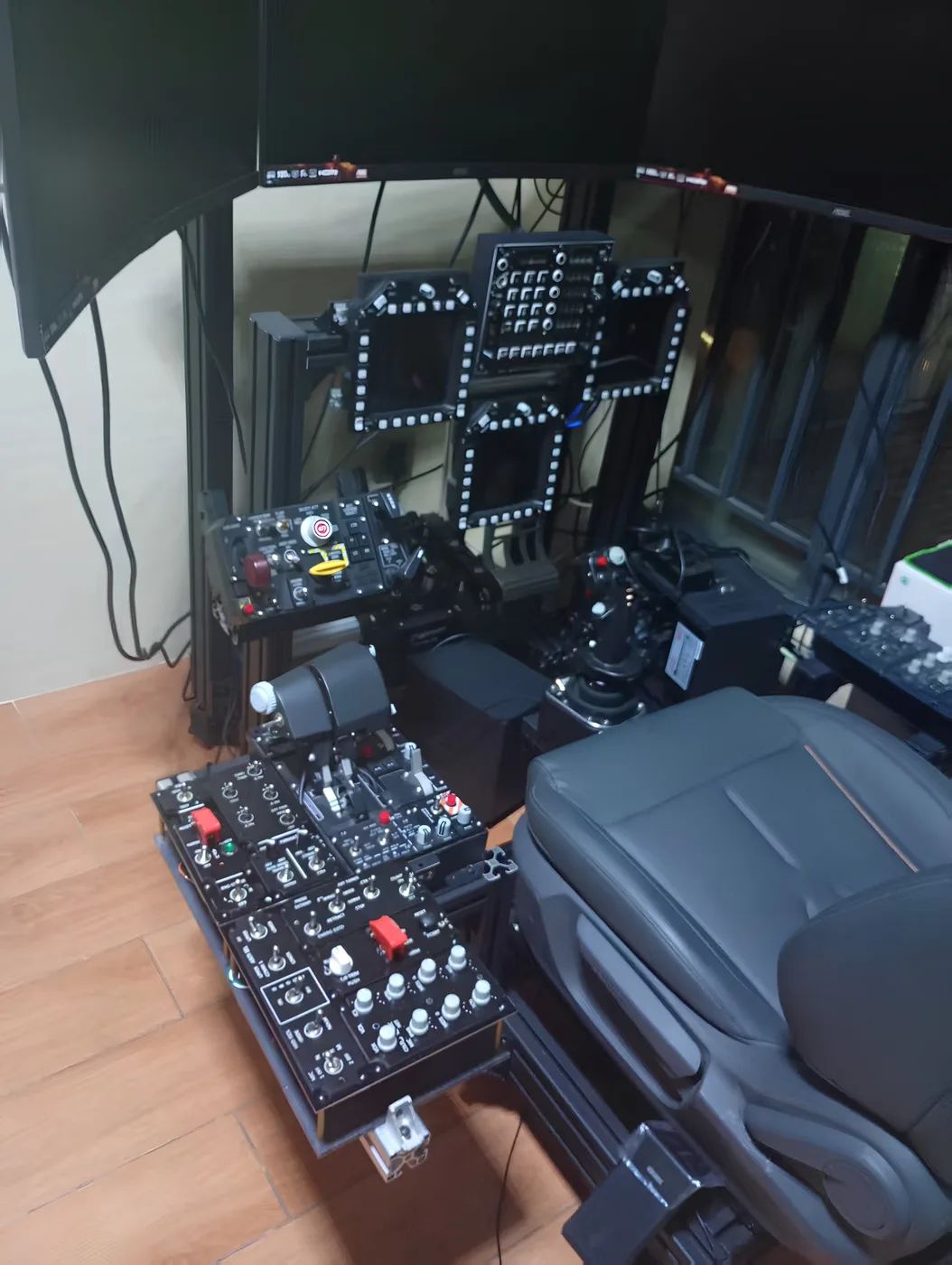
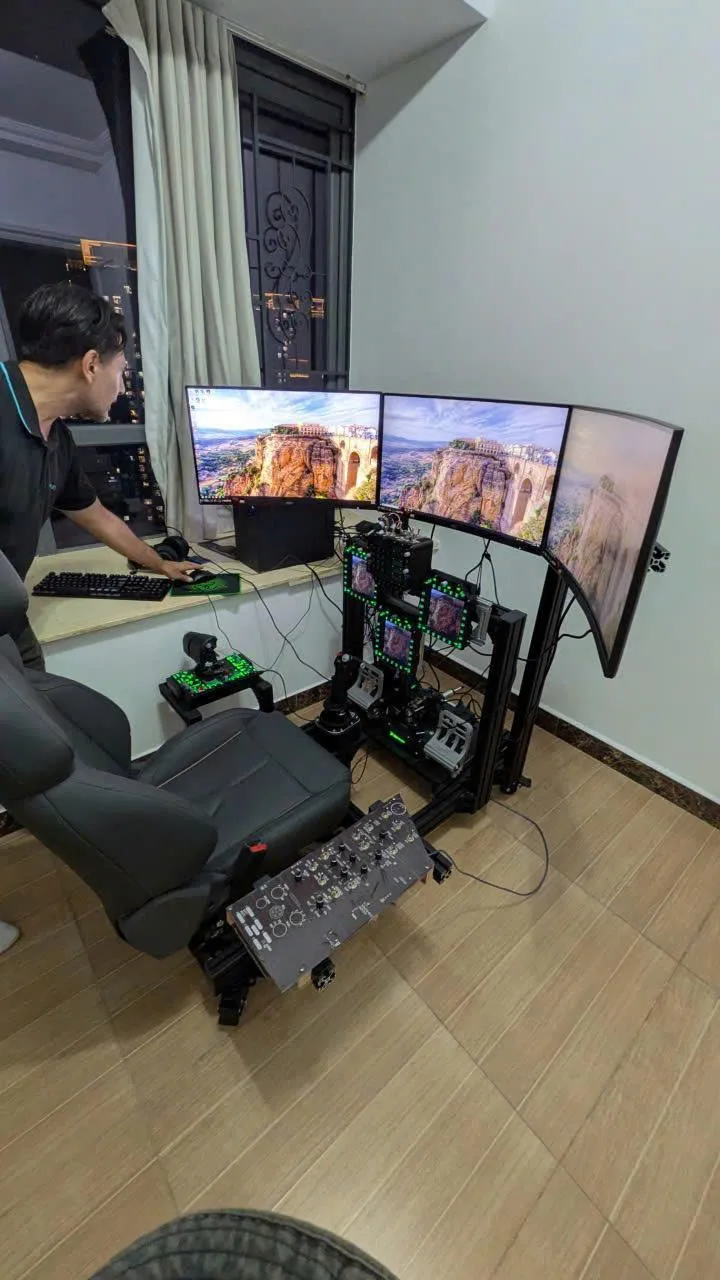
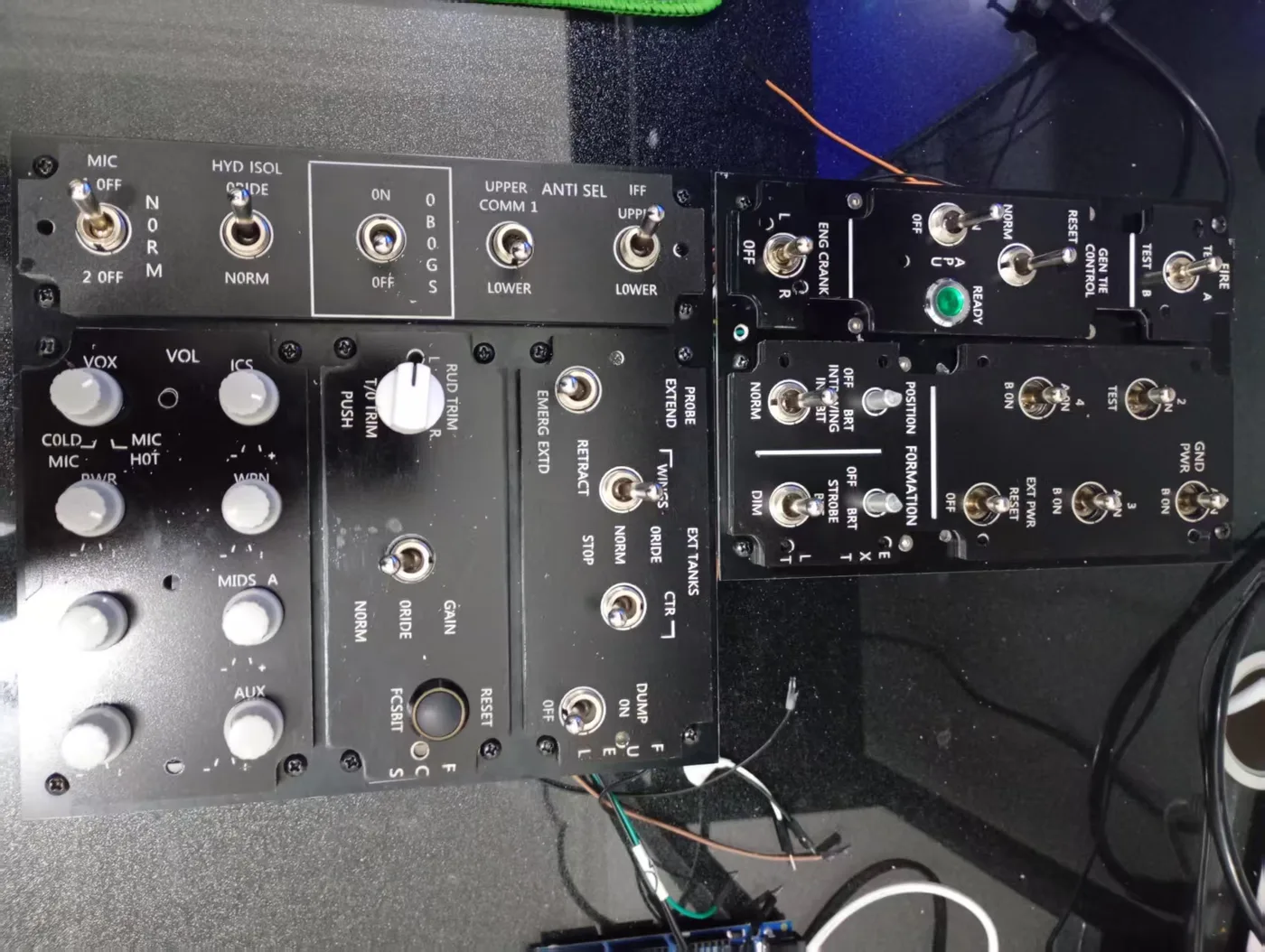
- ✓ F/A-18C Left Console Panel (pre-wired)
- ✓ F/A-18C Right Console Panel (pre-wired)
- ✓ 2× DCSPitHIDC boards (pre-installed, pre-configured)
- ✓ 2× USB-C cables
- ✓ 2× Desktop mounting brackets
- ✓ DCSPit.com Windows config app (download)
- ✓ DCS-BIOS setup guide
- ✓ 6-month warranty (both panels)
Returns: 14 days unused · Warranty: 6 months
Questions: support@buildacockpit.com