LEFT CONSOLE PANEL
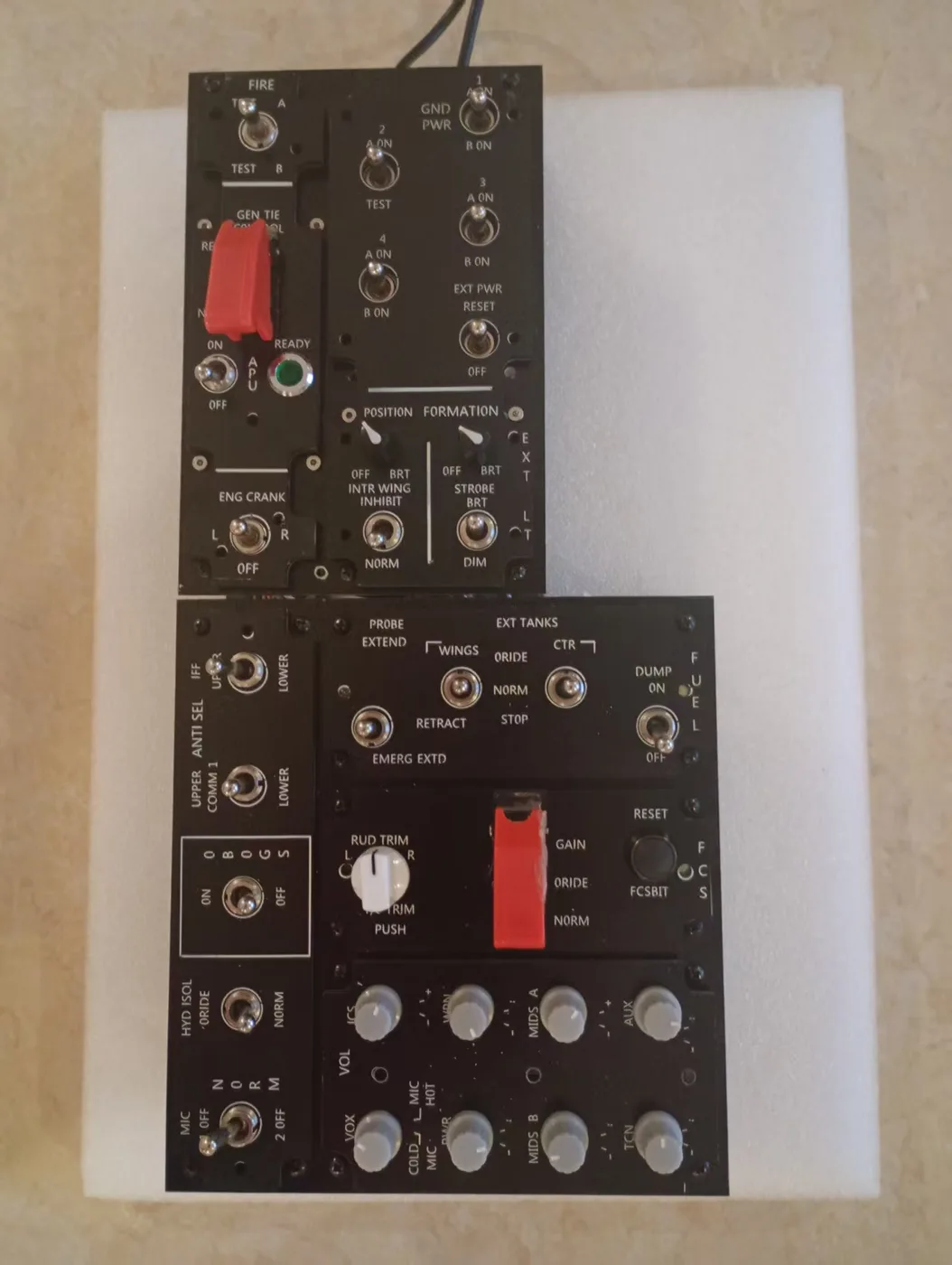
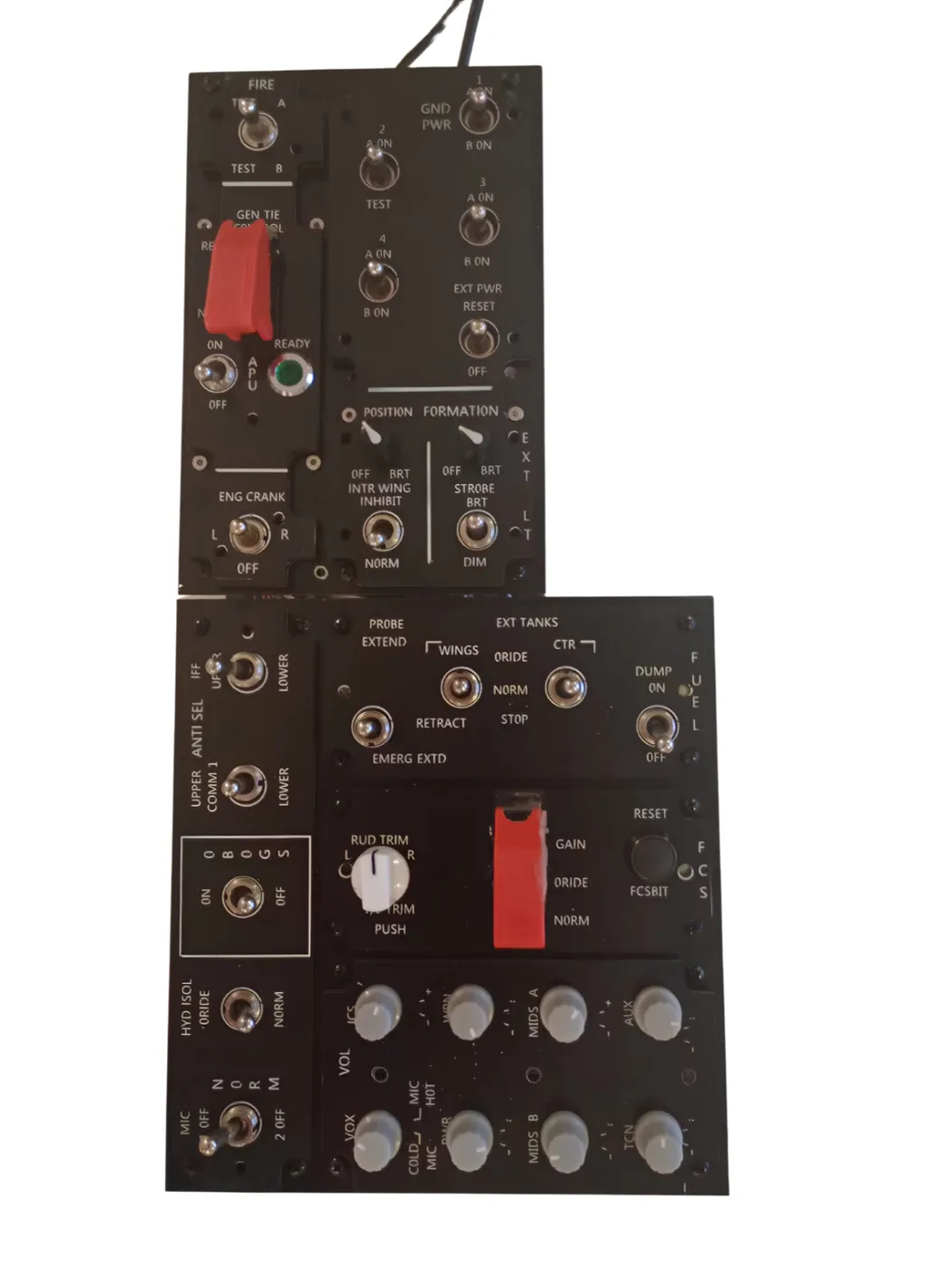
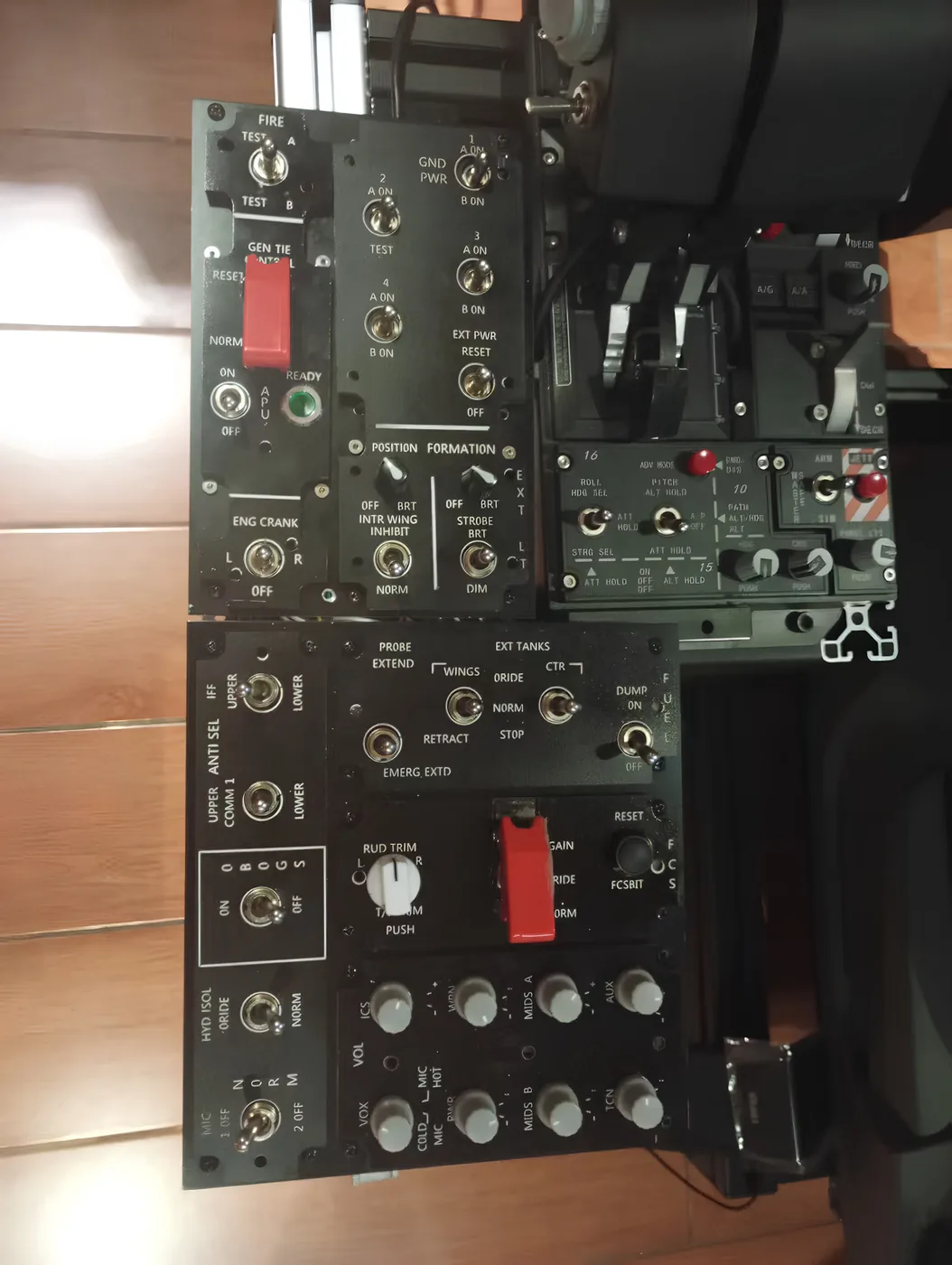
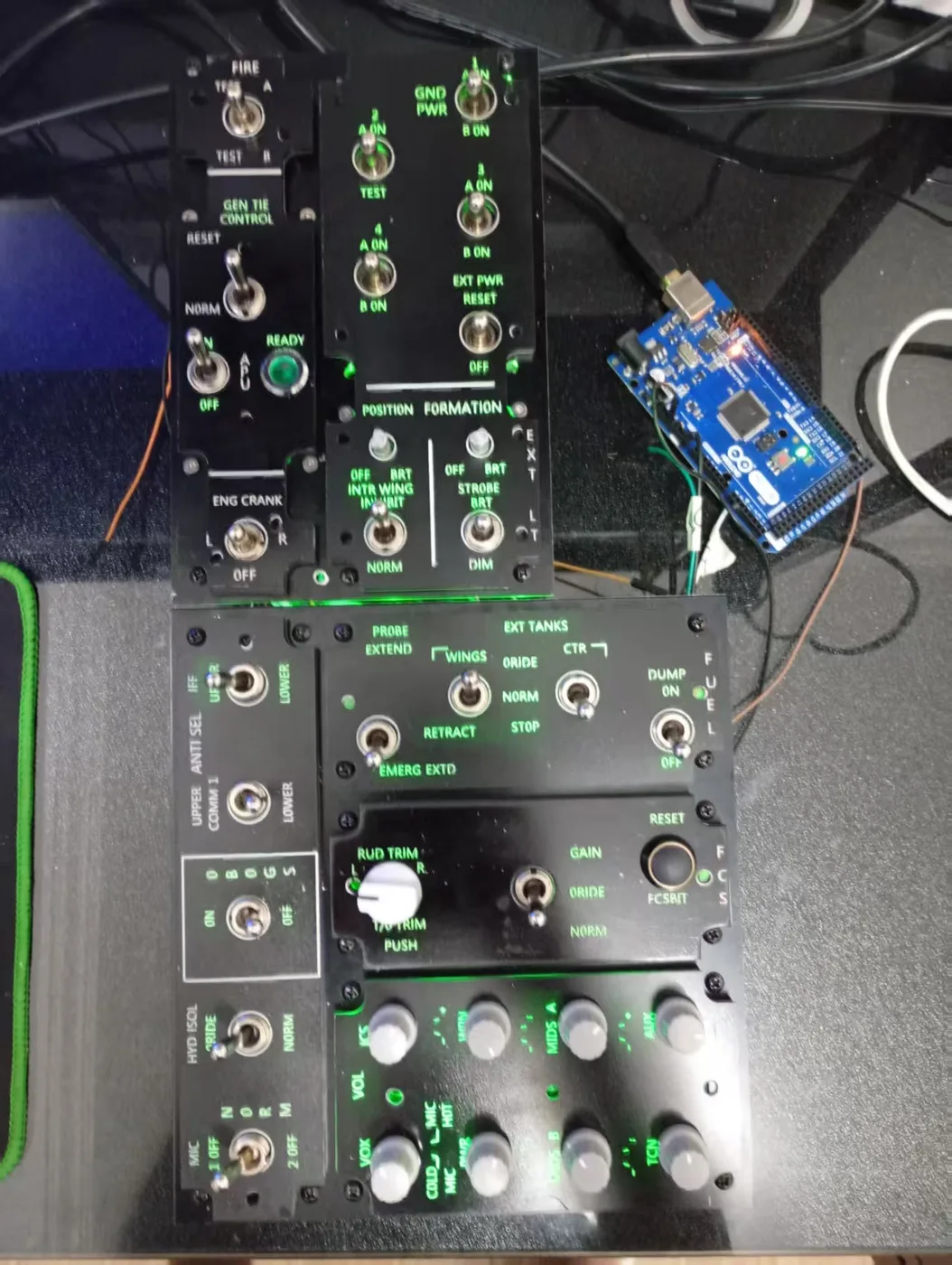
Replicates the F/A-18C left cockpit console — APU, electrical, fuel system, hydraulics, environmental control, antenna select. DCS-BIOS sync is bidirectional: your inputs reach DCS, and cockpit state feeds back to illuminate the correct indicators on the panel.
What's on the left console
The left console handles the aircraft systems you work through during startup and monitor during flight. Every control below is present in the correct position with the correct switch type — latching where the real F-18 uses latching, momentary where it uses momentary.
APU Controls
APU start switch (guarded), APU READY indicator, APU FAULT light. DCS-BIOS sync: when DCS reaches APU READY state, the READY indicator on the physical panel illuminates. APU FAULT feeds back the same way.
Electrical Panel
BATT switch, GEN 1 and GEN 2 switches, EXTERNAL POWER switch and AVAIL light. Generator fault indications from DCS update the panel's FAULT lights in real time.
Fuel System
Fuel transfer pump switches, fuel dump switch, FEED TANK LOW indicators. DCS LOW FUEL cautions illuminate the corresponding panel indicators.
Hydraulics
HYD ISOL switch, UTILITY HYD switch. Hydraulic pressure warning indications feed back from DCS.
Environmental and bleed air
BLEED AIR switch, cabin pressure and temperature controls, anti-ice. Correct toggle types per the real aircraft.
Antenna select
IFF antenna select, radar altimeter select. Rotary switch with correct detent positions.
Switch specifications
- Panel face: CNC-machined aluminum alloy, laser-engraved labeling
- Toggle switches: correct type per position — latching, momentary, or guarded as per F/A-18C
- APU start switch: functional spring-loaded guard
- Indicator lights: LED, DCS-BIOS driven
- Backlight: PWM-dimmed — works without DCS running
- Connector: USB-C, bus-powered (no external power supply)
Dimensions and mounting
- Panel face dimensions: [Confirm with David before publishing]
- Dzus rail: standard Dzus frame compatible — fits TekFrame, Czar, OpenHornet, custom 80/20 builds
- Desktop bracket included — positions panel at console angle for desk use
- Total weight: [Confirm with David]
DCS-BIOS sync — what gets synchronized
- APU READY — illuminates when DCS confirms APU ready state
- APU FAULT — fires on DCS APU fault condition
- GEN 1 / GEN 2 FAULT — generator fault states from DCS
- BATT BUS TIE — electrical bus state
- FEED TANK LOW — fuel low level cautions from DCS
- HYD pressure warnings — utility and FCS hydraulic states
- EXT PWR AVAIL — external power availability from DCS
Setup
- Install DCS-BIOS from github.com/DCS-Skunkworks/dcs-bios
- Plug in the Left Console Panel via USB-C
- Open the DCSPit.com config app — confirm COM port, run diagnostics
- Launch DCS World and load the F/A-18C module
- Sync activates automatically — configuration is stored on the board
- ✓ F/A-18C Left Console Panel (pre-wired)
- ✓ DCSPitHIDC board (pre-installed, pre-configured)
- ✓ USB-C cable
- ✓ Desktop mounting bracket
- ✓ DCSPit.com Windows config app (download)
- ✓ DCS-BIOS setup guide
- ✓ 6-month warranty
Returns: 14 days unused · Warranty: 6 months
Questions: support@buildacockpit.com